
Tip of the Month: Troubleshooting Phone Line Problems

1 min read
Posted by Eric

Having trouble with the phone lines for your RACO autodialer? Try these tips to help diagnose the problem.

1. RACO autodialers work like regular telephones. Try plugging a phone into the autodialer’s jack and making an outside call. If the phone can’t make the call, neither can the autodialer.

2. Check the connection by pressing the “dial out” button on the autodialer’s keypad and listening for a dial tone. You can also measure the voltage to check the connection. If the voltage is off, there may be a problem with the phone line.

3. A staticky connection could represent a phone line problem. Plug in a regular phone and listen—if you hear static, the phone company should check out the line.

Still can’t identify the problem? Get more information on our website, or call RACO Support at 800.449.4539.

Verbatim® Gen2 | Live demo

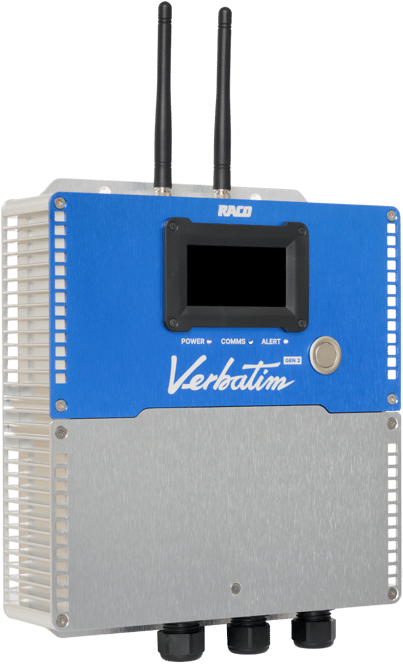
Meet the next generation of Verbatim.

Verbatim Gen2 is RACO’s flagship cellular RTU, with satellite fallback so the alarm still reaches you when the cell network drops. Bring one site to a 30-minute call and see it set up while you watch.

  • 70,000 RTUs in the field
  • Since 1948 Built in the USA
  • 31 years Oldest known unit
Verbatim Gen2 RTU

Related blog posts

Newsletter

Subscribe to our newsletter

Get in touch

Need assistance?

icon_blue_locate
Locate your representative

Want to talk to a friendly, local RACO expert? Simply enter your zip code.

icon_blue_quote
Request a quote

We're more than happy to offer a bespoke quote for your unique needs.

icon_blue_support
Get support

Is there anything else we can help you with?