
Tip of the Month: Using the RACO Support Center

1 min read
Posted by Eric

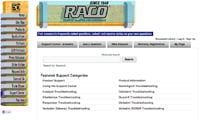
Have a question about a RACO product? The RACO Support Center can help you out. Here’s how to use it:

  • Search for answers to frequently asked questions using the “Support Center-Answers” tab. Either select a product from the dropdown menu or enter keywords in the search box to get a list of answers about that topic.
  • Set up a user profile by clicking on the “My Page” or “Ask a Question” tab and filling in the form. A user profile allows you to use the “Ask a Question” function at any time.
  • Create your own question by selecting the “Ask a Question” tab. Fill in the required fields, enter your question and click submit to send it to the RACO support team. To find the status of the answer of your question, go to the “My Page” tab to check your profile.

RACO Monitoring Center

Run AlarmAgent and Verbatim Gen2 from one place.

The RACO Monitoring Center manages Verbatim Gen2 and your existing AlarmAgent RTUs. Bring one site to a 30-minute demo and see it set up while you watch.
  • 70,000 RTUs in the field
  • Since 1948 Built in the USA
  • 31 years Oldest known unit
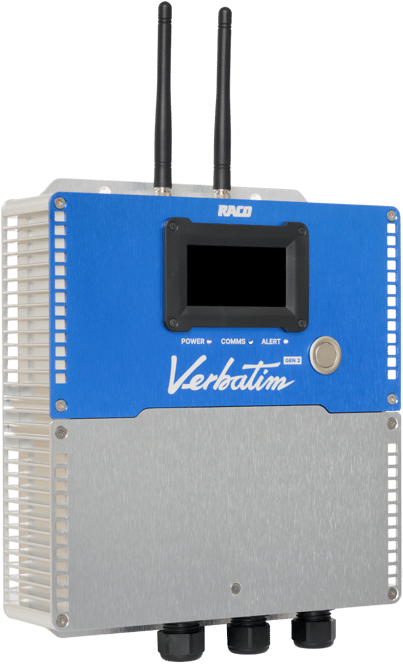
Verbatim Gen2 RTU

Related blog posts

Newsletter

Subscribe to our newsletter

Get in touch

Need assistance?

icon_blue_locate
Locate your representative

Want to talk to a friendly, local RACO expert? Simply enter your zip code.

icon_blue_quote
Request a quote

We're more than happy to offer a bespoke quote for your unique needs.

icon_blue_support
Get support

Is there anything else we can help you with?