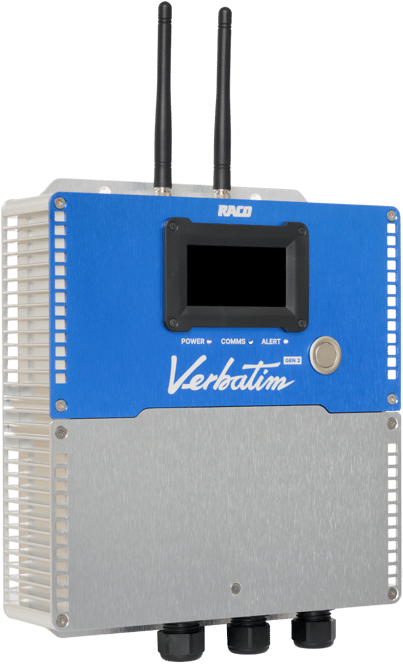


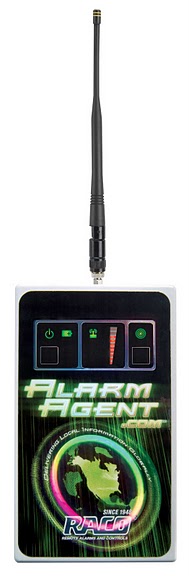


 The Comm-Check feature allows AlarmAgent.com RTUs to check in with the website every one to two hours. However, not all RTUs are compatible with Comm-Check, so it is important to get approval from RACO to avoid any major issues.
To find out when the next Comm-Check is expected, go to the RTU Status page on the AlarmAgent.com website, and look at “Next Scheduled Contact with RTU.” You can also view past Comm-Check reports by viewing the Comm-Check events log.
If a report is too early or too late, you will receive a watchdog alarm.
For more helpful Comm-Check hints, visit the RACO Support Center.